Seedance 2.0 AI Video Generator
Introduce Seedance 2.0
Seedance 2.0 is built for creators who need more than basic video generation. It focuses on usability, realism, and control, making AI video creation feel intentional rather than experimental.
Compared to earlier versions, Seedance 2.0 delivers stronger performance in complex motion, multi-character interaction, and audio-visual synchronization—meeting the demands of real production scenarios such as advertising, film concepts, e-commerce, and gaming.
Key Features of Seedance 2.0
Multi-modal input, clearer shot direction, and short-form creative workflows.
Scene Prompts With Clear Actors and Actions
Describe who appears in the shot, what they do, and how the camera should frame the moment. Seedance 2.0 works best when complex scenes are broken into visible actions instead of broad slogans.
Text, Image, Video, and Audio References
Use text instructions together with reference images, video clips, or audio cues. This helps define composition, motion, camera flow, visual style, and sound direction before generation.
Shot Notes for Camera and Framing
Seedance 2.0 works best when the prompt includes practical shot details: subject, action, camera movement, lighting, framing, and scene mood. Clear direction helps the output feel more intentional and easier to refine.
Drafts for Ads, Products, and Social Clips
Use Seedance 2.0 to test product shots, ad concepts, game scenes, and short social clips before spending time on a larger production plan.
Generated by community
Video Showcase
Seedance 2.0 examples for motion, camera direction, product concepts, and cinematic scene tests.
How To Use Seedance 2.0
Three steps from idea to professional video.
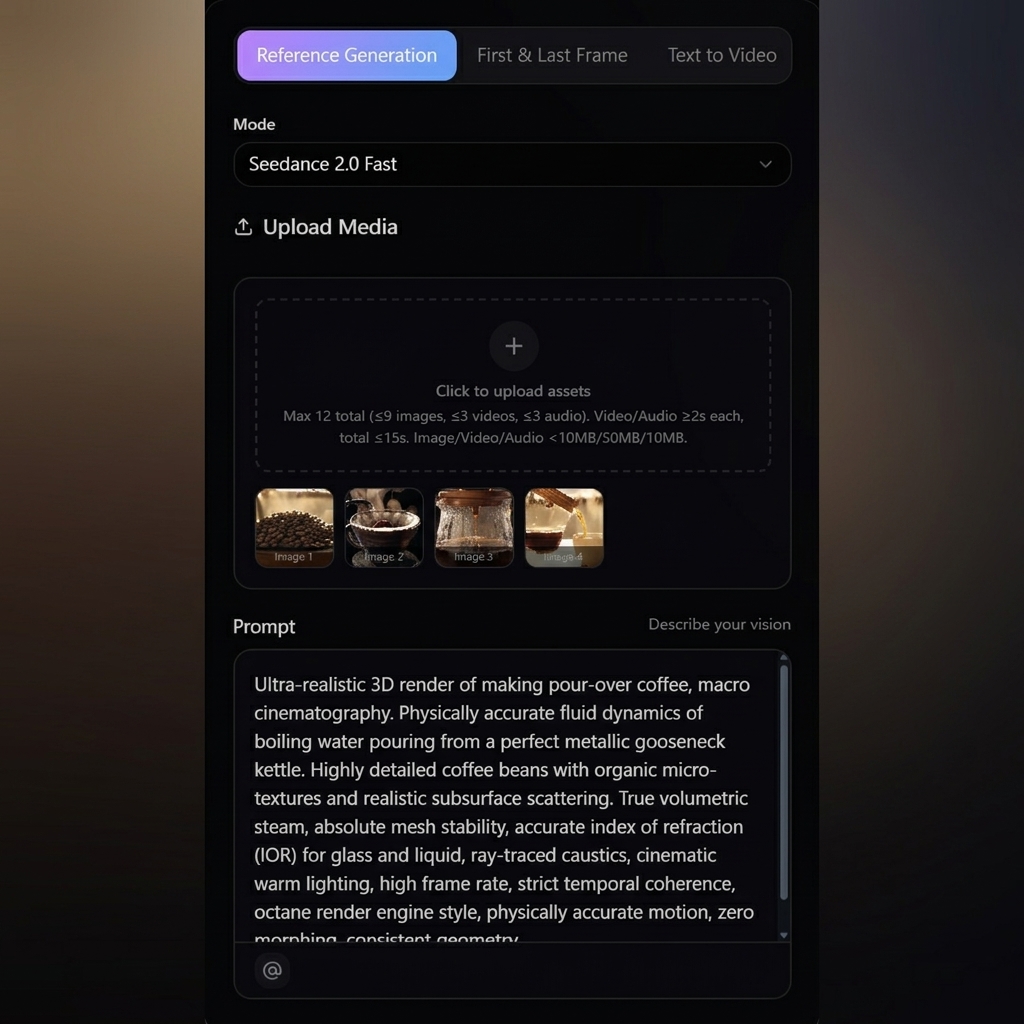
Step 1 — Describe or Reference Your Idea
Start with text, images, video clips, audio, or a mix of them. Seedance understands your creative intent and reference style.
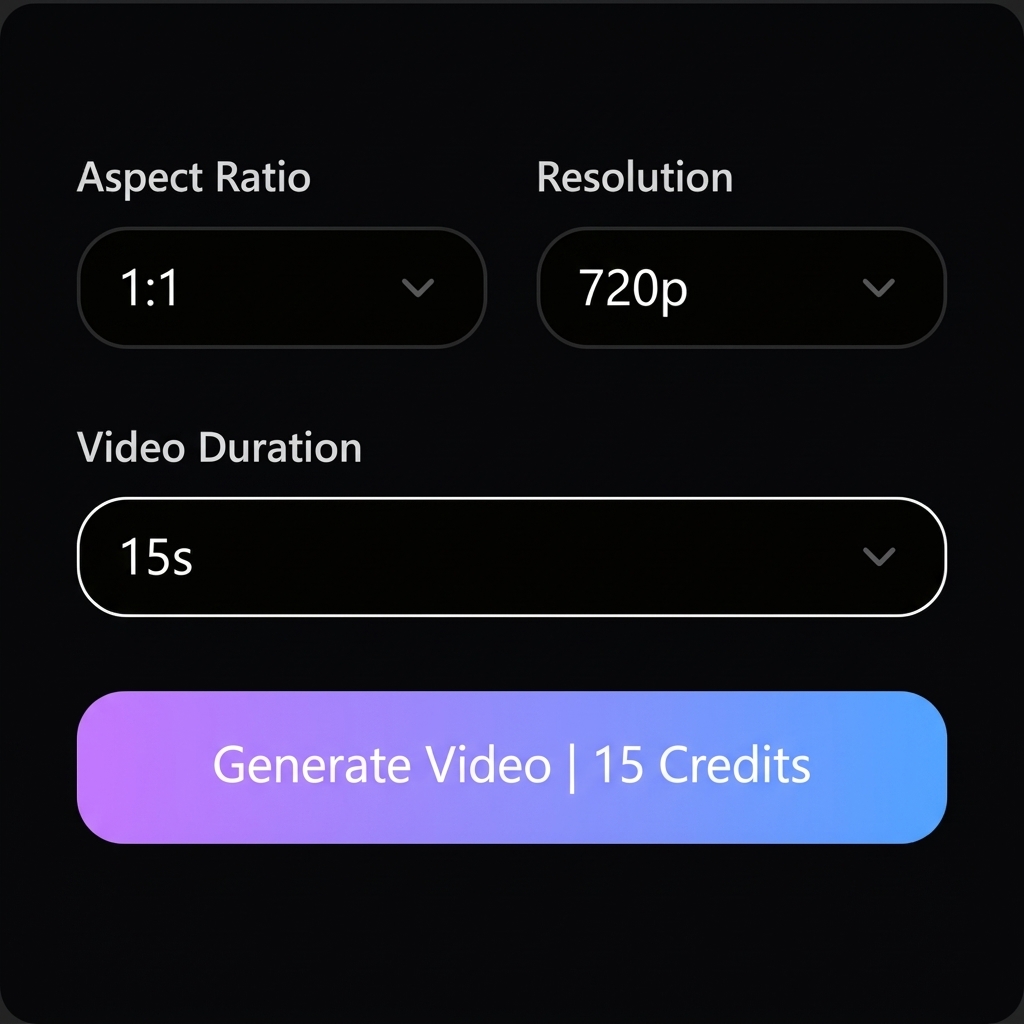
Step 2 — Generate, Direct, and Refine
Seedance creates a cinematic video with realistic motion and sound. Refine actions, adjust scenes, or extend the video while keeping consistency.
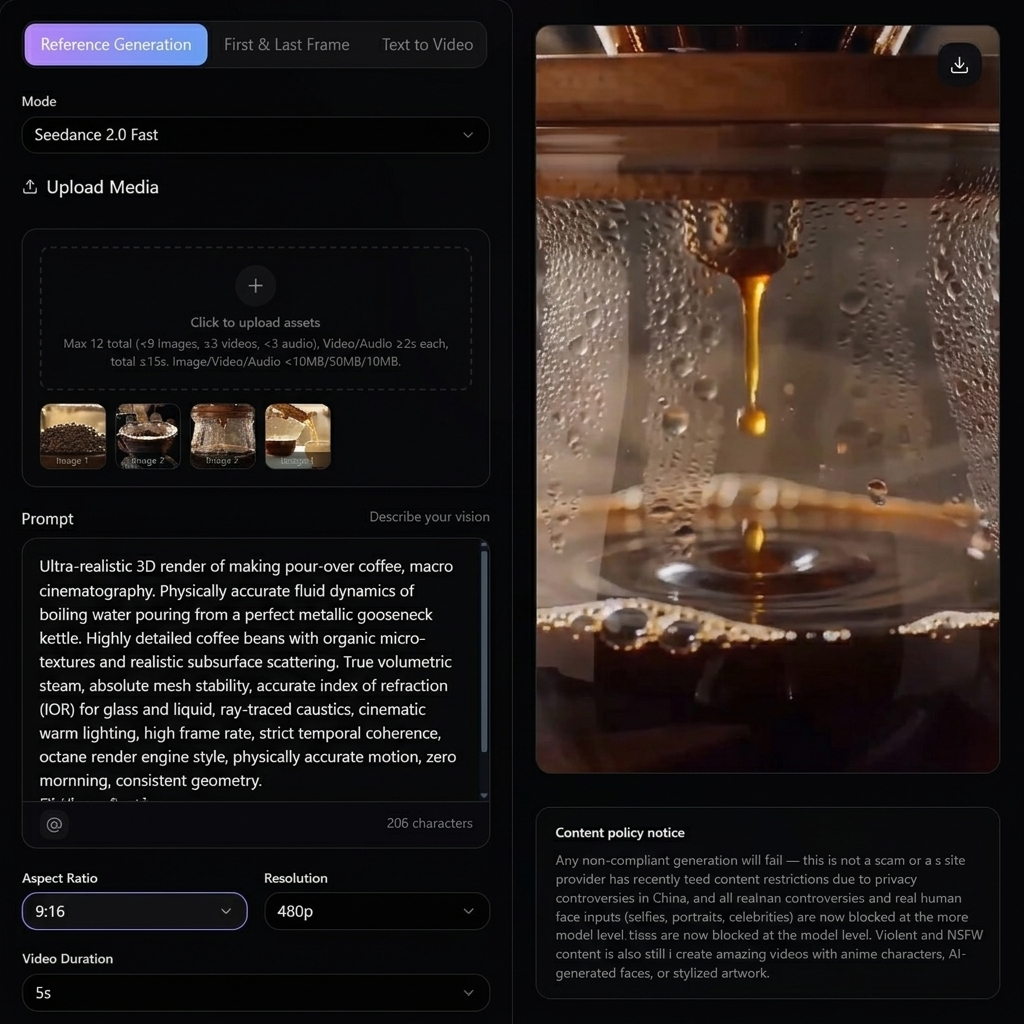
Step 3 — Export and Use Anywhere
Download your final video and use it for ads, social media, presentations, games, or commercial projects.
Why Creators Use Seedance 2.0
Seedance 2.0 is best for teams that want prompt-led video drafts with clear creative direction.
More realism
Natural motion and believable physics
More control
Guide scenes like a director
More freedom
Mix multiple input types
More efficiency
Reduce filming and post-production costs
Use it to test scenes, compare prompt directions, and prepare stronger references before a full production pass.
Seedance 2.0 Use Cases
Practical ways to use Seedance 2.0 for ads, storyboards, product demos, game concepts, and social clips.
Advertising & Brand Marketing
Test product hooks, visual angles, and short ad concepts before planning a shoot.
Film & Creative Storytelling
Draft scene ideas, trailer beats, and visual references for early creative review.
Gaming & Animation
Explore character actions, environment ideas, and motion references for game concepts.
E-commerce & Product Demos
Turn product ideas into quick visual demos for landing pages, ads, or listings.
Content Creators & Social Media
Create quick vertical or widescreen clips for posts, tests, and campaign drafts.
Seedance 2.0 Credit Packs
Pick a credit pack that matches your volume — Starter through Professional. Try the generator first with signup trial credits, then upgrade when you're ready.
One-time pack
- 99 credits included
- $0.10 per credit
- HD text-to-video or image-to-video with natural native audio
- 720p export, No watermark download
- Commercial use license
- Standard queue speed
One-time pack
- 330 credits included
- $0.085 per credit
- Faster HD generation for daily content
- Text to Video & Image to Video with native audio
- 1080p export, No watermark download
- Commercial use license
One-time pack
- 600 credits included
- $0.083 per credit
- Scale creative runs with better stability and look
- Text to Video & Image to Video with native audio
- 1080p export, No watermark download
- Commercial use license
One-time pack
- 1250 credits included
- $0.079 per credit (best value per credit)
- High-volume, professional delivery and teams
- Text to Video & Image to Video with native audio
- 1080p export, No watermark download
- Commercial use license
Credits fund every Seedance 2.0 render you queue — text-to-video, image-to-video, audio-guided, and reference-based jobs share the same billing meter.
Choose one-time credits or subscription • Flexible billing options
Seedance 2.0 FAQs
Frequently asked questions about Seedance 2.0.
What is Seedance 2.0?
Seedance 2.0 is an AI video creation model for short clips, product concepts, storyboards, and social video drafts.
Can Seedance 2.0 generate videos with audio?
Yes. Seedance 2.0 supports synchronized stereo sound.
What types of input does Seedance 2.0 support?
Text, images, video clips, and audio can all be used together.
Is Seedance 2.0 suitable for commercial use?
Yes. Paid credit packs include commercial use rights for generated outputs, subject to the site terms.
Can I edit or extend a video after generation?
Yes. Seedance 2.0 supports controlled editing and video extension.
How long can the videos be?
Up to 15 seconds with multi-scene output.
Does it work well for action or sports scenes?
Yes. Complex motion is one of Seedance 2.0's strengths.
Is Seedance 2.0 beginner-friendly?
Yes. You can start with simple descriptions and refine as needed.
Can I use it for ads and brand content?
Absolutely. Advertising is a key use case.
Do I need professional video skills?
No. Seedance 2.0 is designed to be accessible to everyone.
Start a New Draft with Seedance 2.0
Create short AI video drafts with practical control over prompt, scene direction, motion, and visual style.